
Install Olive T Phone Spares & Phone Repair
Get the full shop experience
Install Olive T Phone Spares & Phone Repair on this device for faster access and an app-like shopping experience.
Olive T Phone Spares & Phone Repair Updated
A newer version is ready.
The latest app files have been downloaded. Reload to activate the update.
You are offline
Cached Olive Shop content is still available. Live shopping and account functions may require internet access.
×
![Zoom View]()
Identifiers
Product Code
KN8/KN3
SKU
KN8/KN3
Barcode
N/A
Part #
N/A
IMEI / S/N
N/A
Origin
N/A
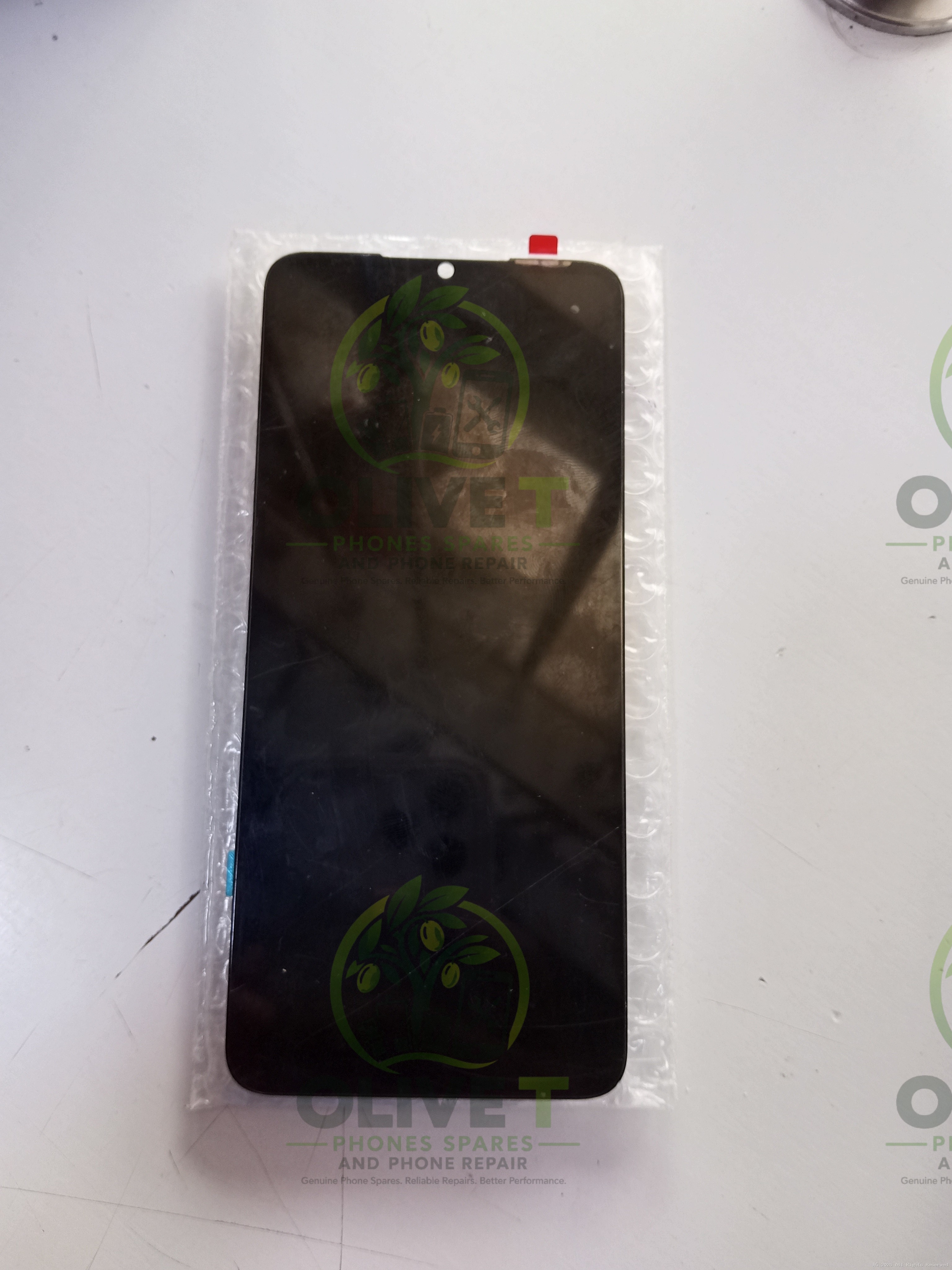
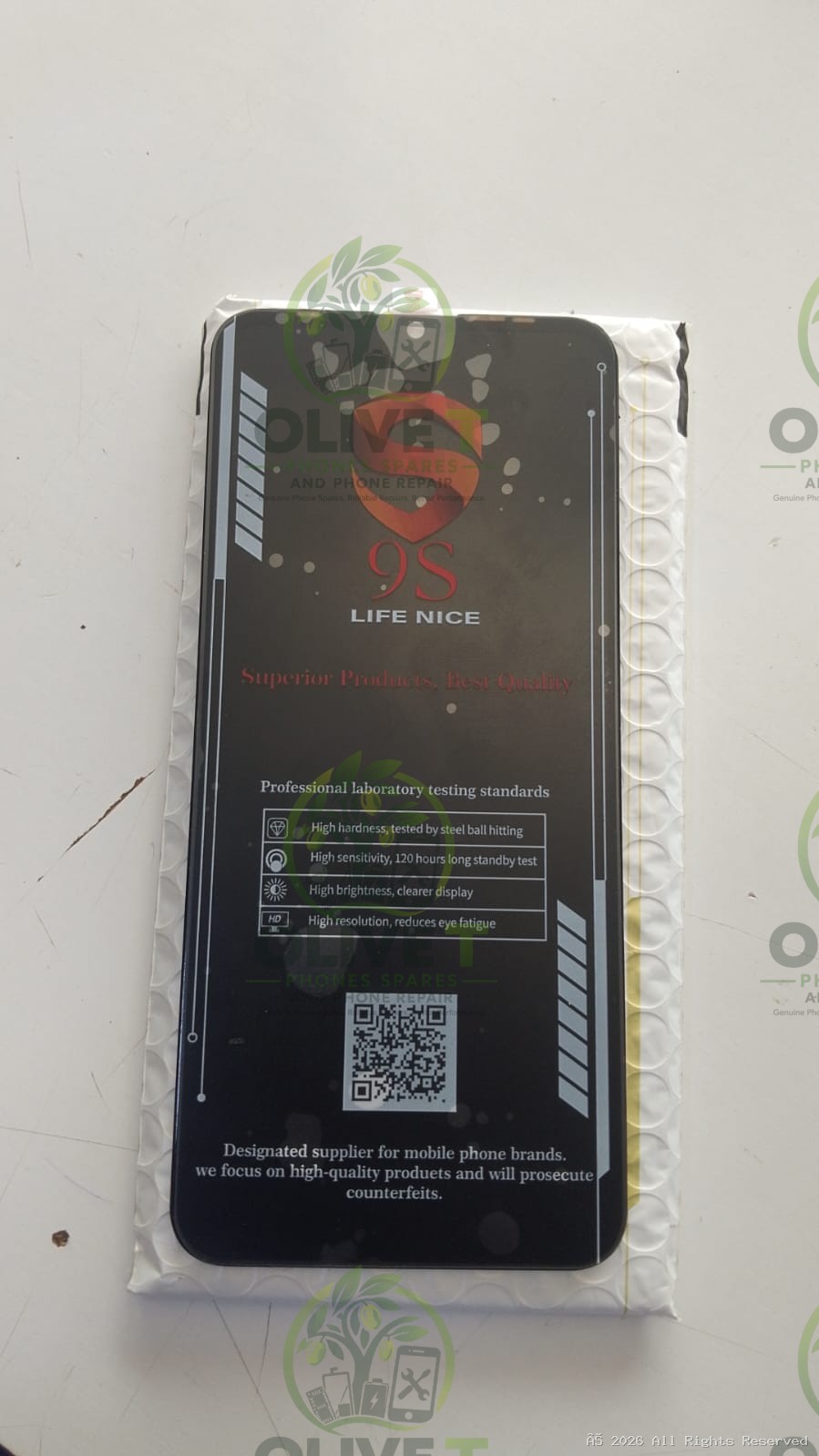
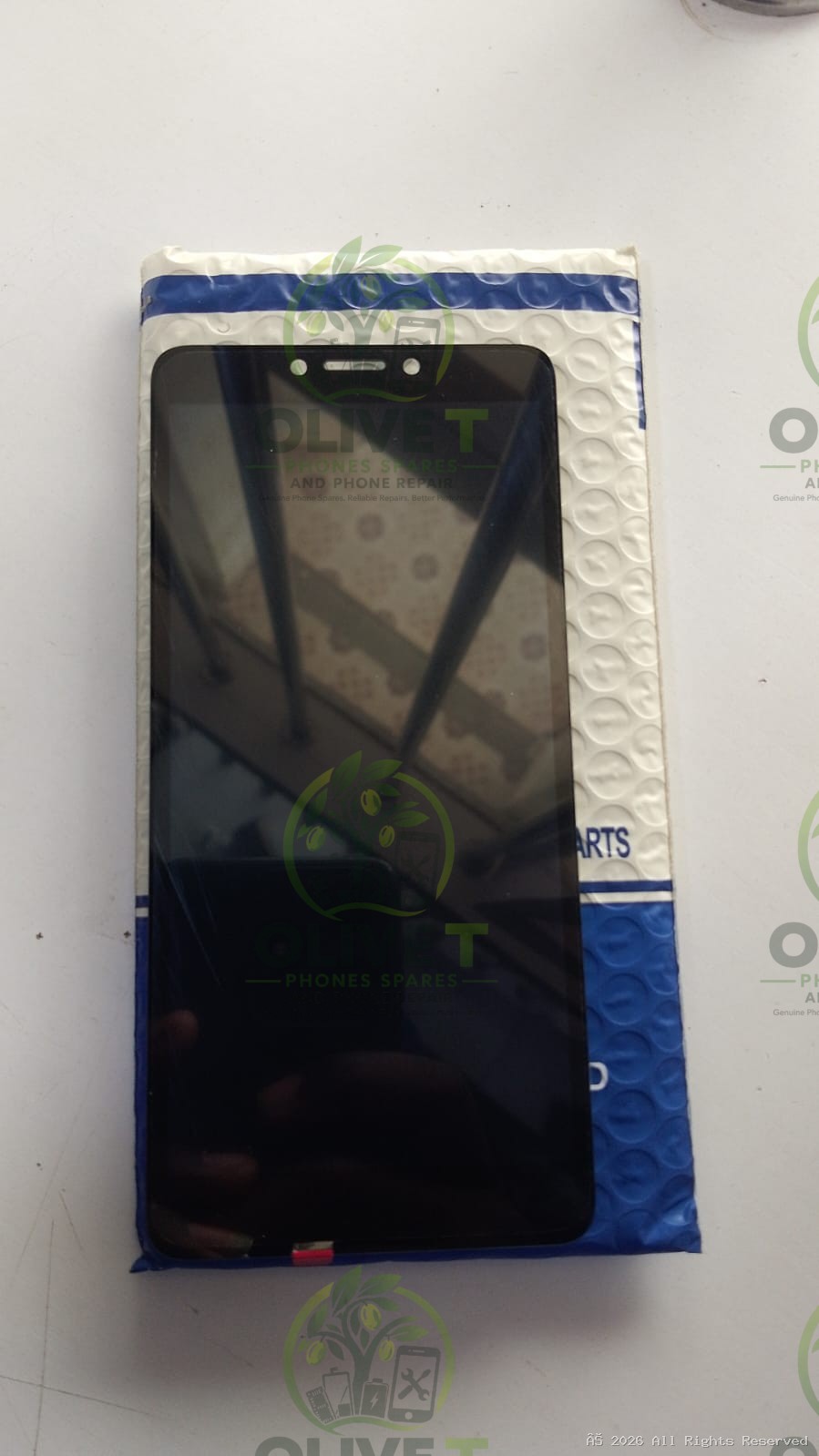
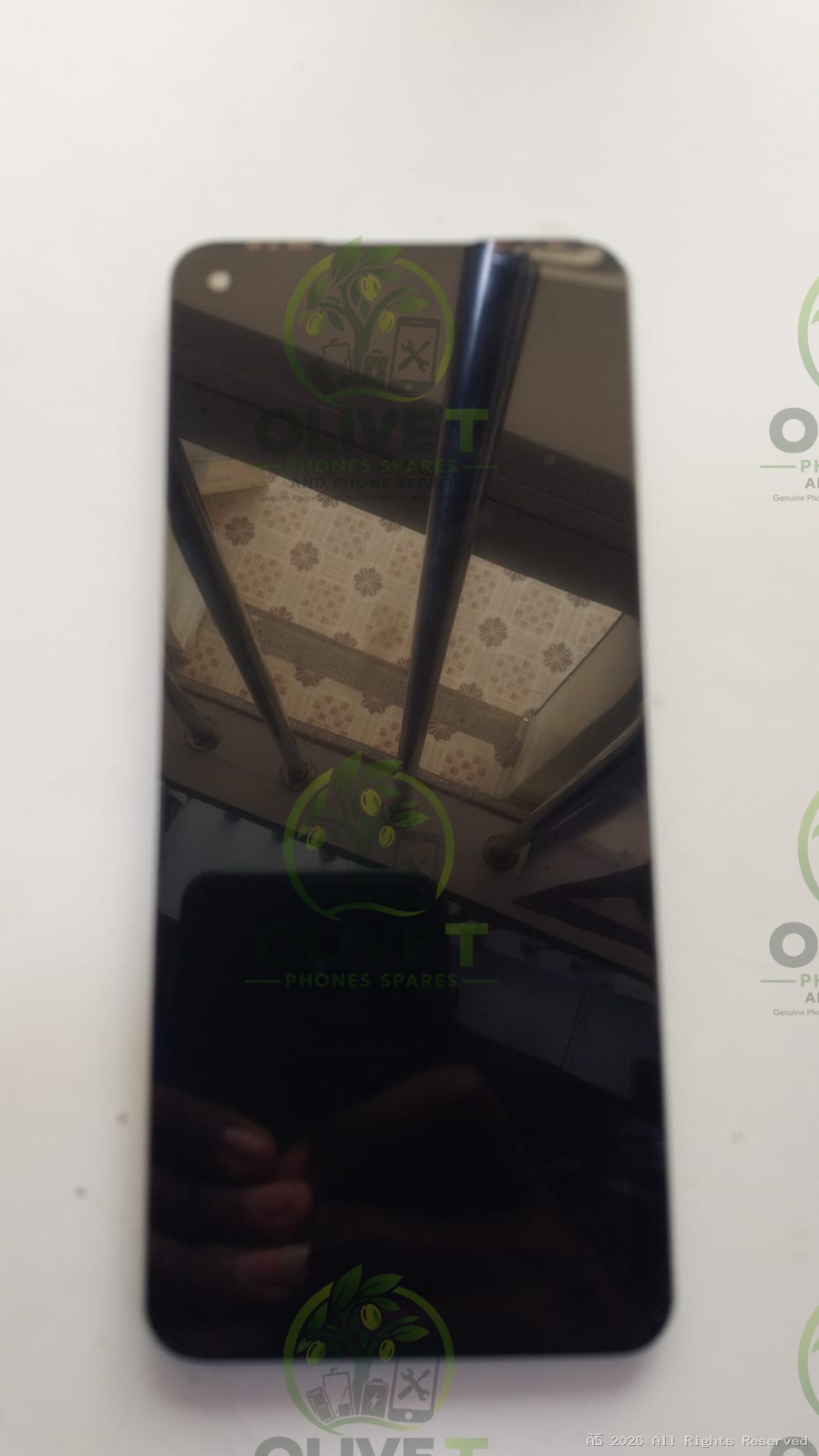
(0 reviews)
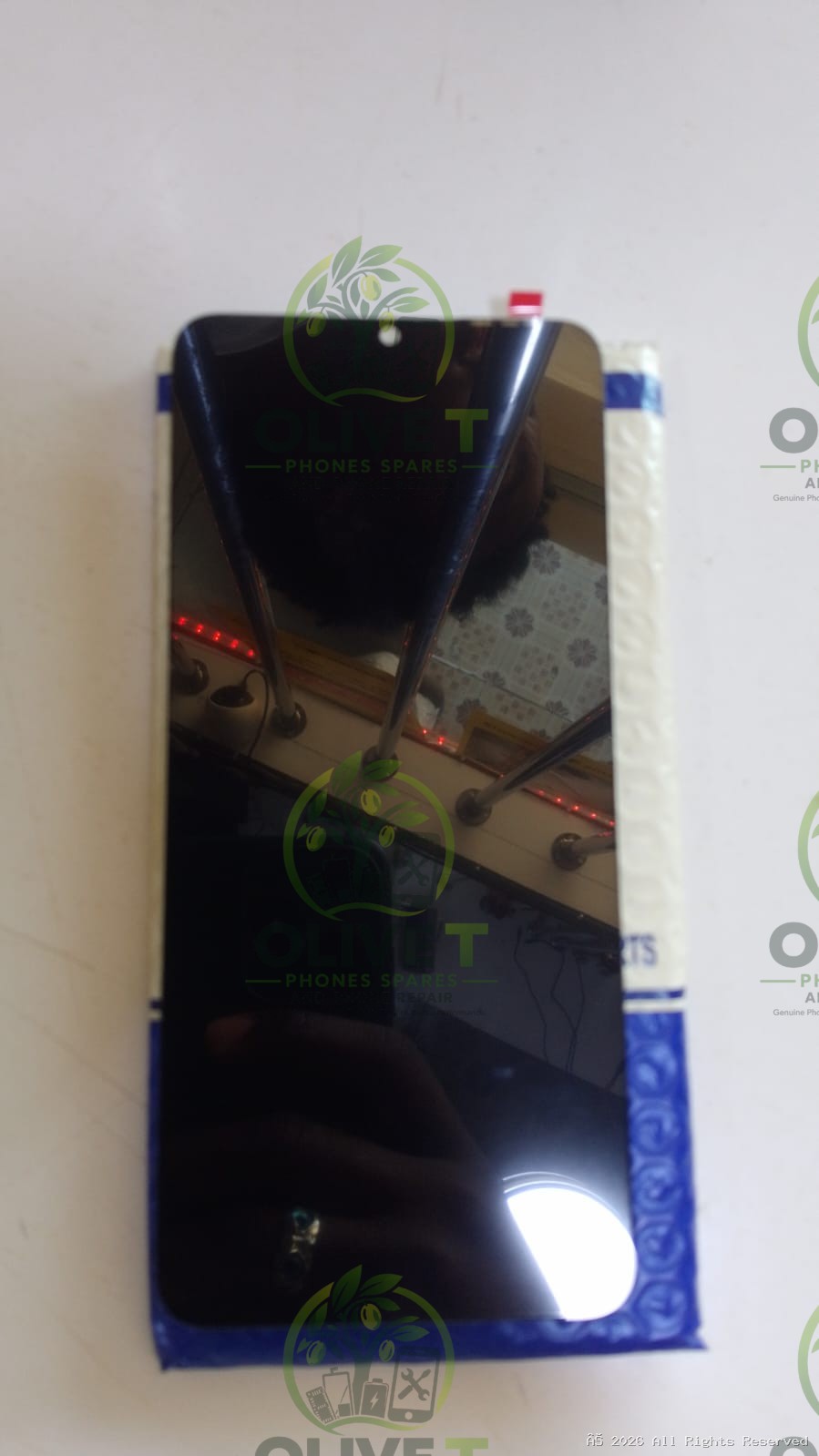
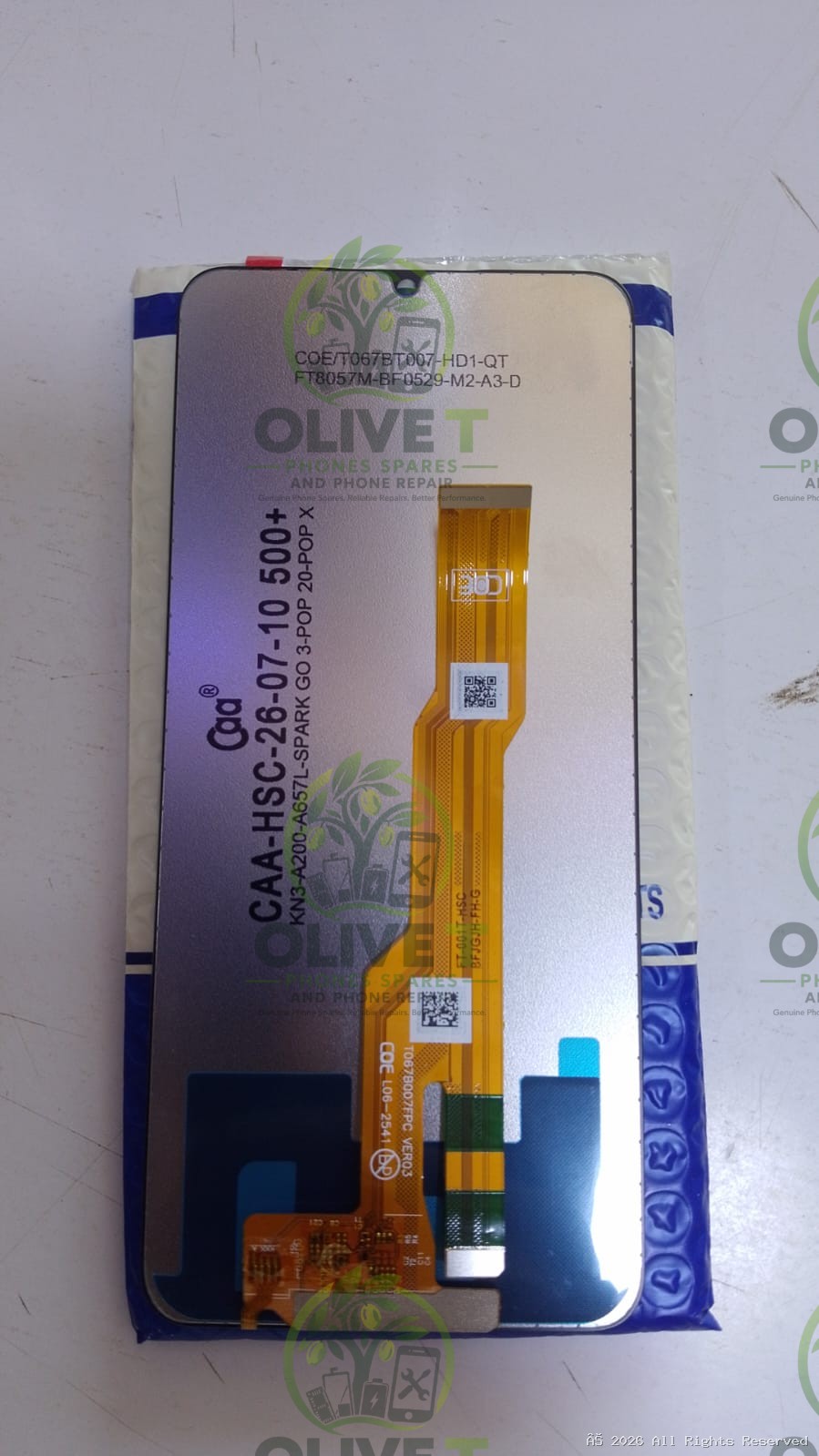
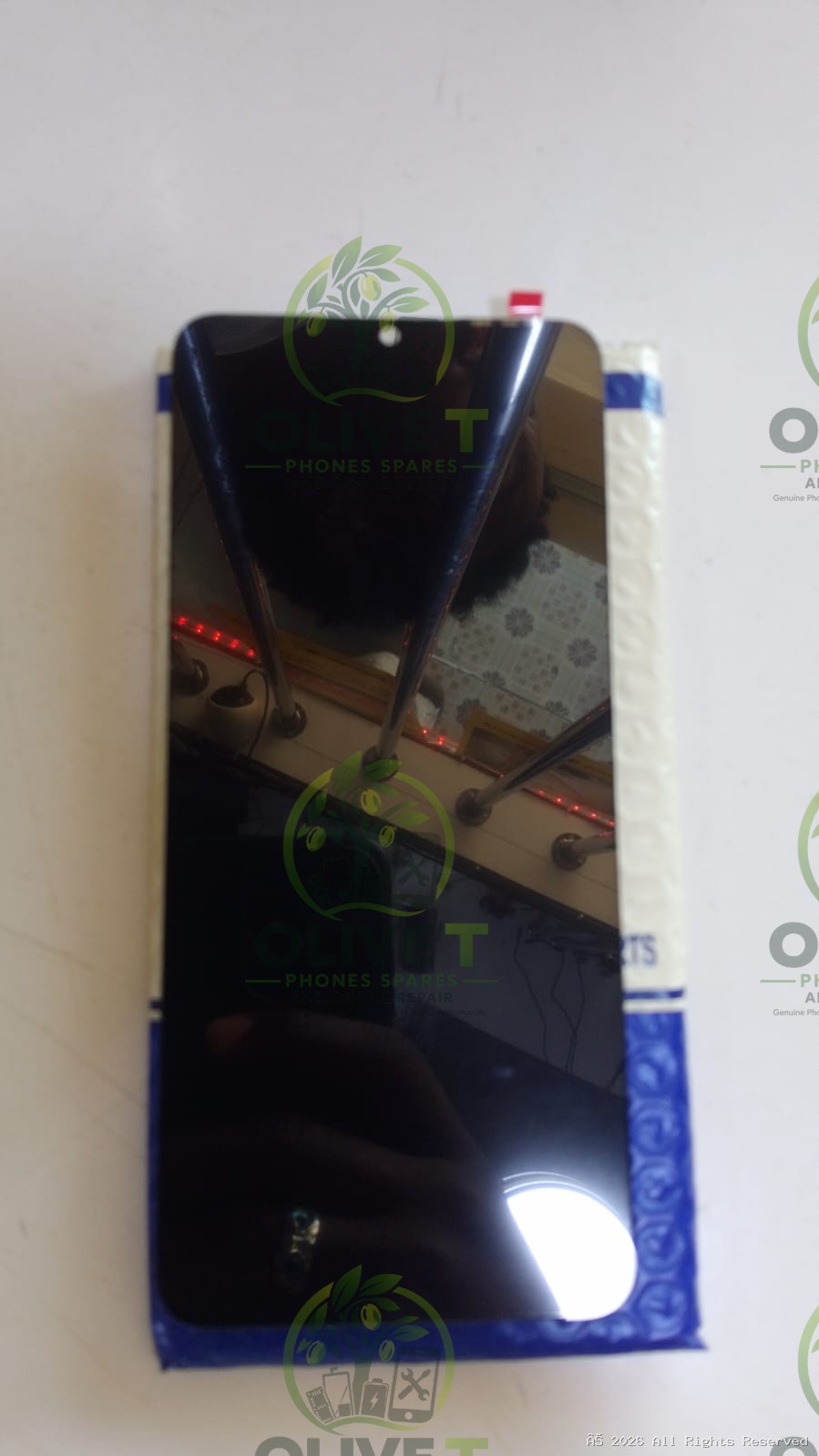
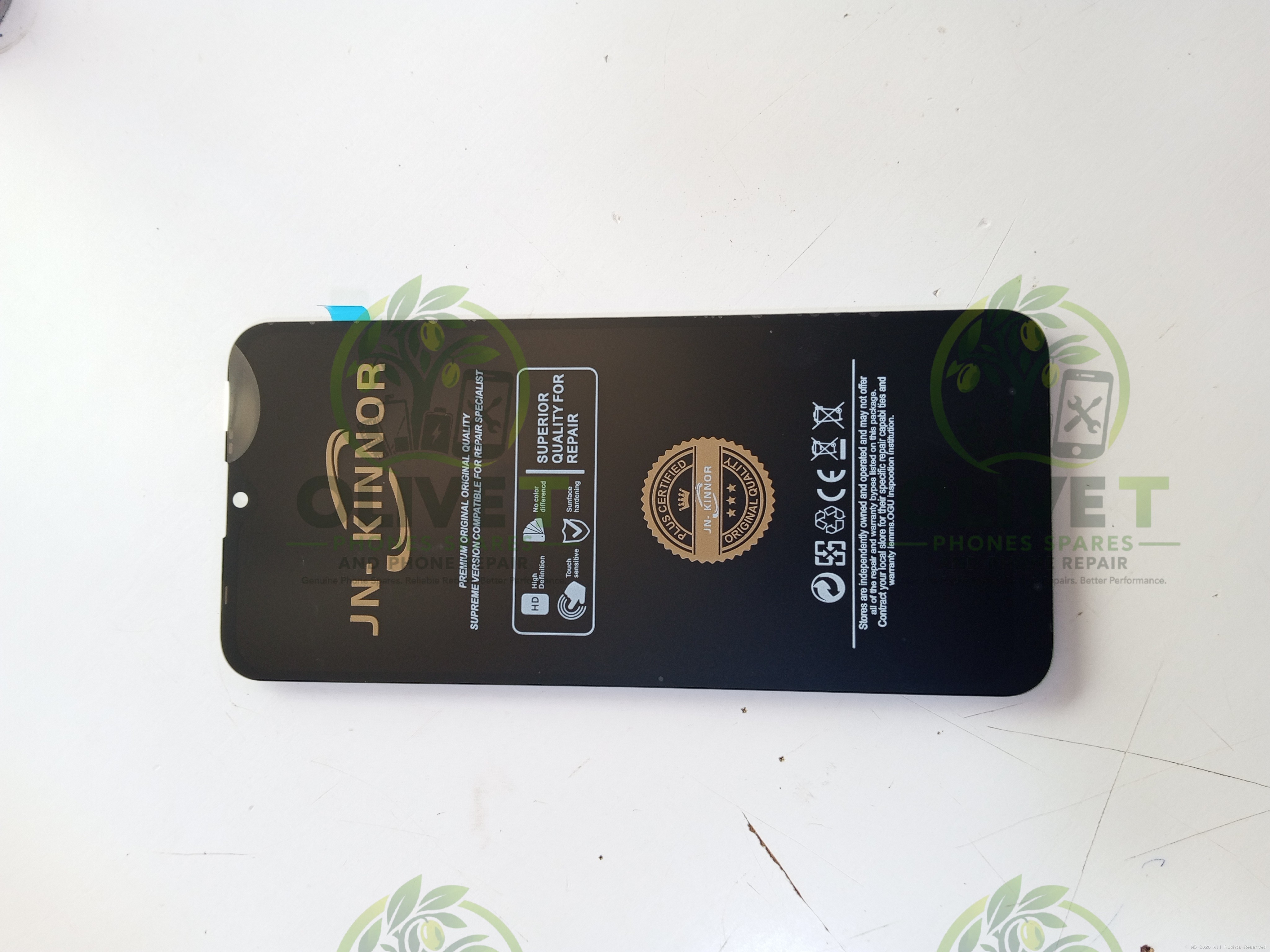
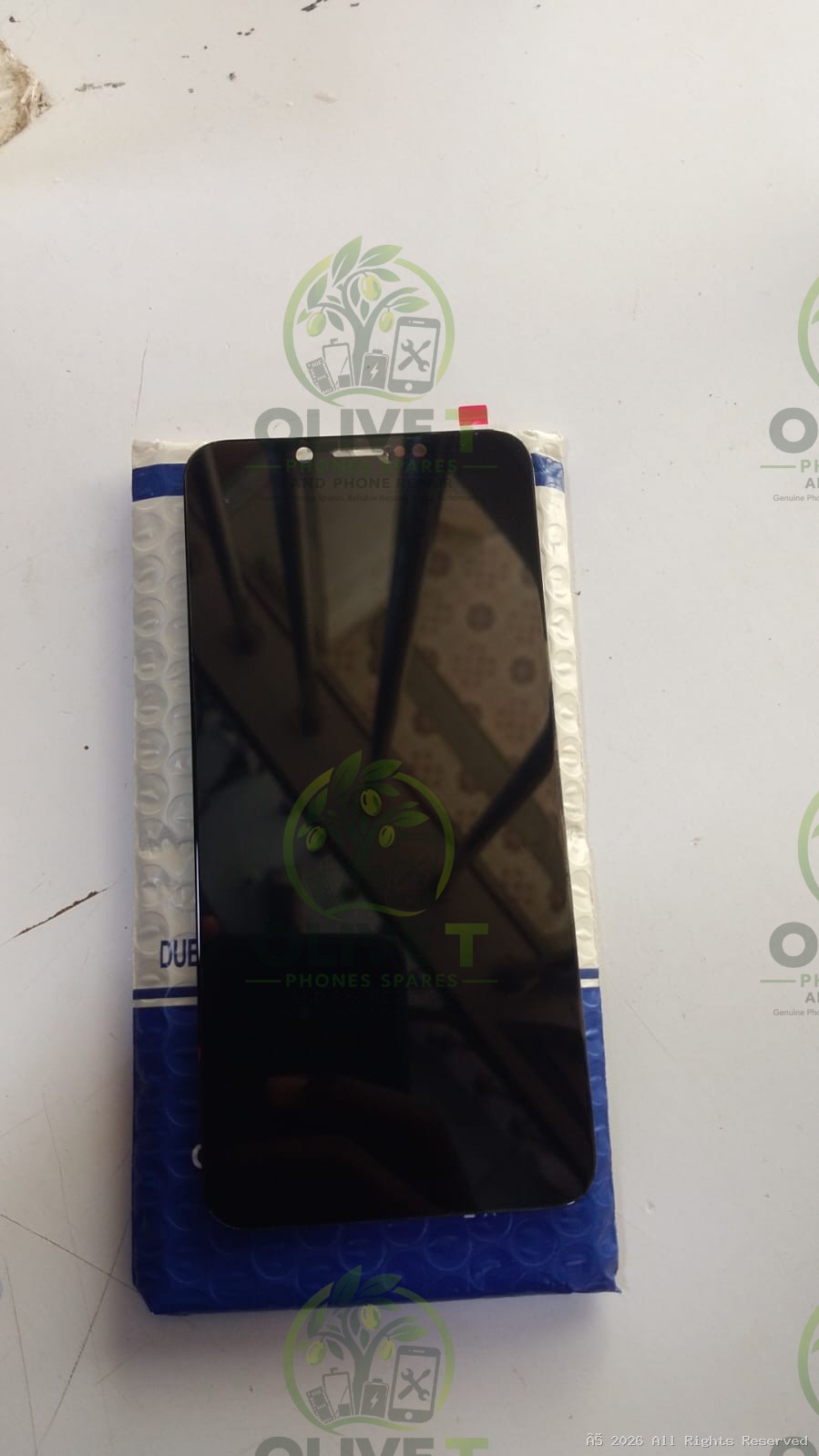
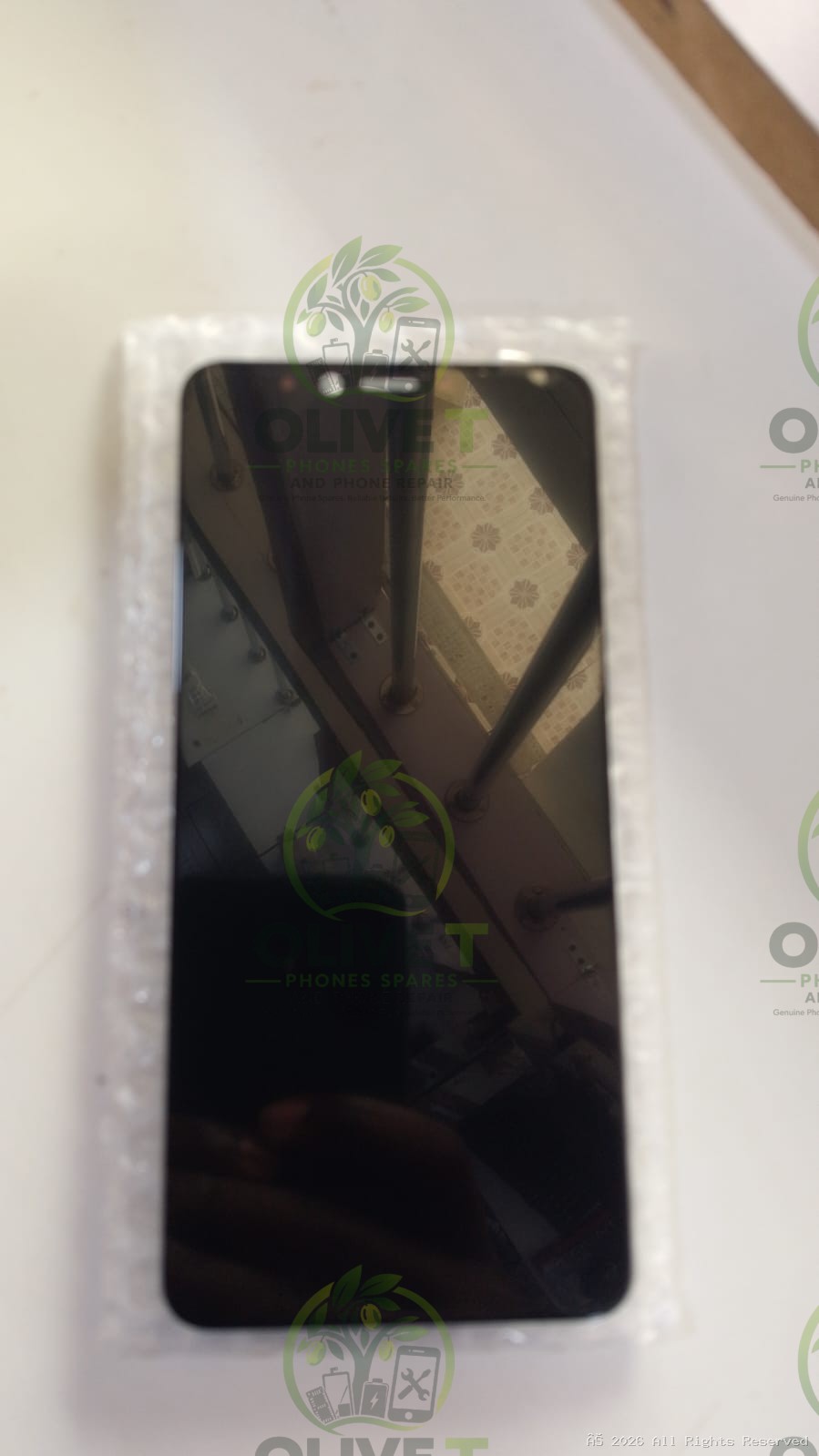
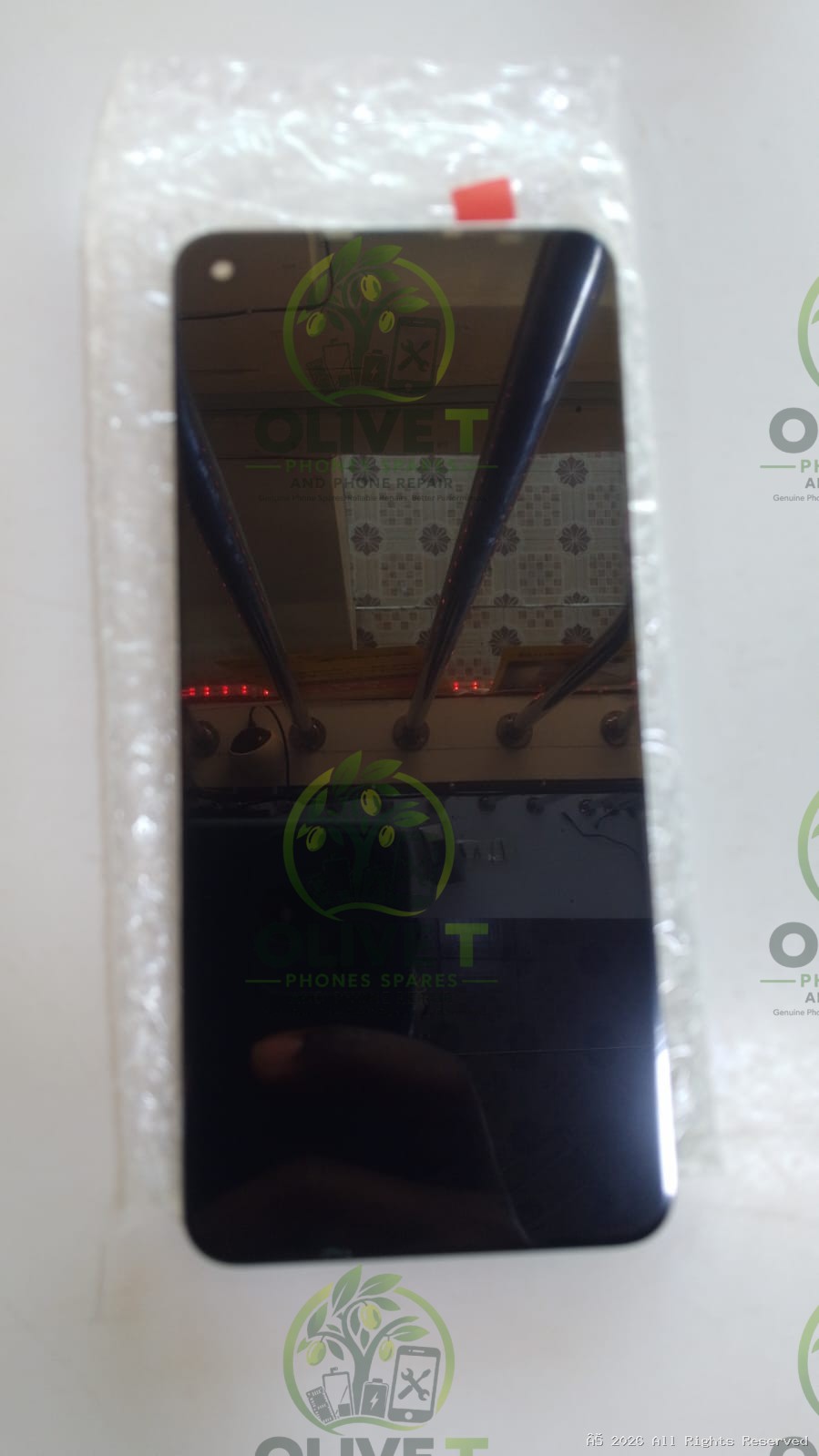
LCD Display Touch Screen Digitizer Assembly Replacement for Tecno Spark Go 3 / Pop 20
KSh 1,300.00
Low Stock — Only 10 left!
Genuine Product
Fast Delivery
Easy Returns
Secure Order
WhatsApp Support
The KN8 and KN3 screen model is a universal multi-model compatible LCD Display and Touch Screen Digitizer Assembly
No description available.
Screen Specifications
The standard technical specifications for the KN8/KN3 display panel include:
- Display Type: IPS LCD Capacitive Touchscreen
- Screen Size: 6.74 inches
- Resolution: 720 x 1600 pixels (HD+)
- Refresh Rate: Up to 120 Hz
- Pixel Density: ~260 PPI
- Design: Punch-hole notch design
ManufacturerN/A
ModelN/A
ConditionNew
WarrantyN/A
Storage / RAMN/A
WeightStandard
DimensionsStandard
MaterialPremium
BrandTecno
WarehouseMain Store
Technical Specifications
Cross-Compatible Devices: Tecno Pop 20, Tecno Pop X 4G, and itel A200 / A675L / A200 Plus
Compatibility Fit
Standard Universal Fit
Repairs & Accessories
Repair Compatibility: Repair & Installation Guidelines
• Fragility: The LCD panel and digitizer flex cables are extremely fragile. Over-bending the flex cable beyond 90 degrees during repair will result in a black screen or permanent display lines.
• Pre-Installation Testing: Always simulate a "dry test" before applying adhesive. Connect the flex cable to the motherboard while the phone is disassembled to check touch responsiveness and color reproduction. If the screen works, proceed with final structural gluing.
• ESD Precautions: Wear an anti-static (ESD) wrist strap during replacement to avoid shorting components on the motherboard.
Accessories:
Accessories:
Key Features & Benefits